Accessibility
Ecommerce Website Accessibility in 2026: A WCAG 2.2 Checklist for Online Stores
Learn how to improve ecommerce website accessibility with a practical WCAG 2.2 checklist covering checkout forms, keyboard navigation, product images, mobile controls, Shopify, WooCommerce, and accessibility testing.
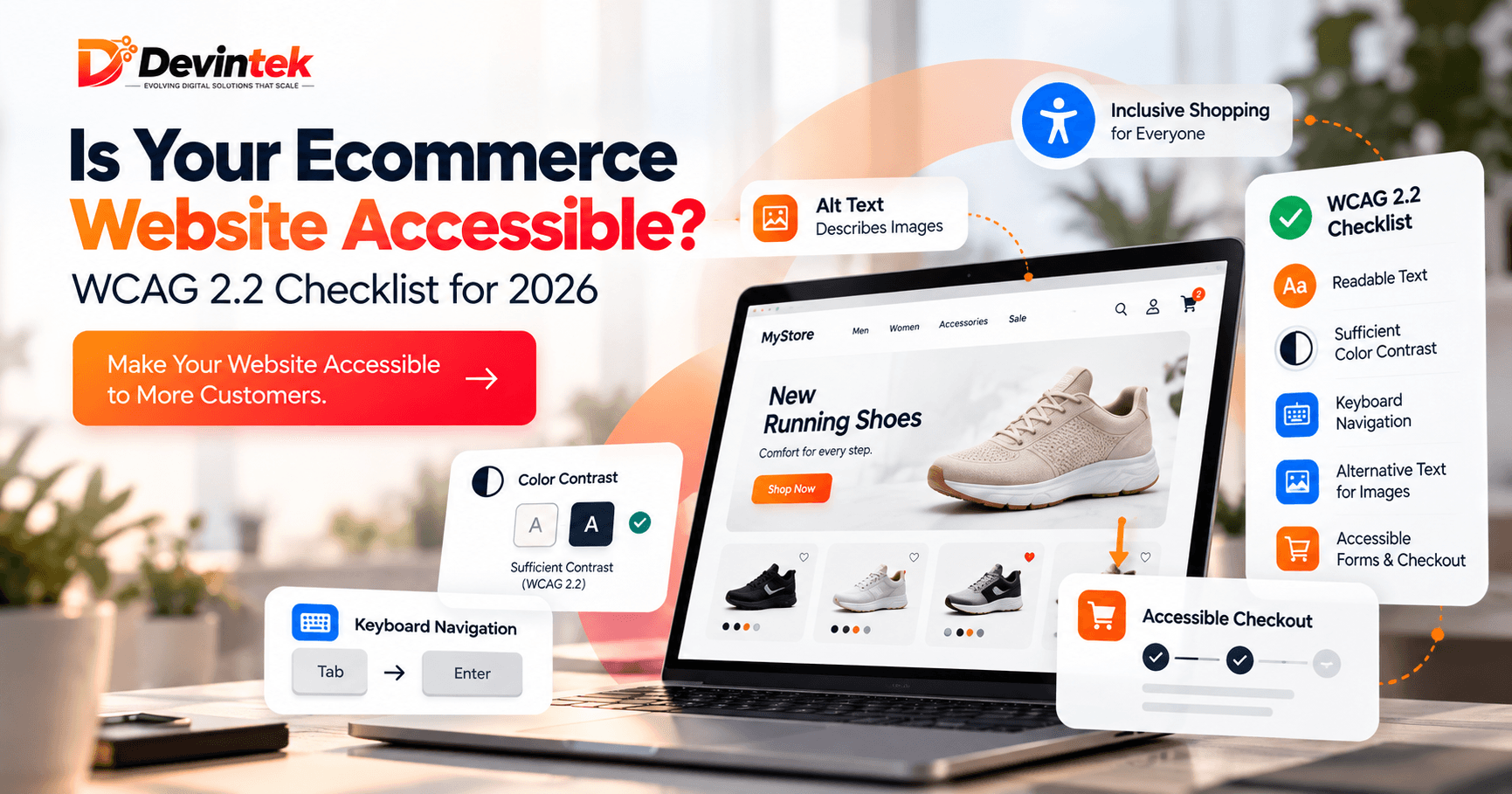
A good ecommerce website should do more than look attractive. Customers should also be able to browse products, understand content, use forms, navigate with a keyboard, and complete checkout without unnecessary barriers.
That is where ecommerce website accessibility becomes important.
In 2026, accessibility is not only a technical concern. It affects customer experience, usability, international compliance considerations, and the overall quality of an online store.
What Is Ecommerce Website Accessibility?
Ecommerce accessibility means making an online store easier to use for people with different abilities, including customers who use screen readers, keyboard navigation, magnification tools, or alternative input devices.
It also improves usability for many other customers, especially on mobile devices or in situations where reading, clicking, or navigating is more difficult.
Why Accessibility Matters for Online Stores
Accessibility problems can appear at important stages of the customer journey.
- A product image may not have useful alternative text.
- A checkout form may have unclear labels.
- A customer may not be able to navigate using a keyboard.
- Error messages may be difficult to understand.
- Buttons may be too small on mobile devices.
These issues can make it harder for customers to complete a purchase.
WCAG 2.2 Checklist for Ecommerce Websites
1. Check Color Contrast
Text, buttons, prices, and error messages should be easy to read against their background.
Pay special attention to sale prices, form labels, placeholder text, and checkout buttons.
2. Add Useful Alt Text to Product Images
Important product images should have clear alternative text that describes the product meaningfully.
For example, instead of using a file name, describe important details such as product type, color, and key visual features.
3. Test Keyboard Navigation
Try browsing your store without using a mouse.
You should be able to navigate menus, search for products, select options, add items to the cart, and move through checkout using the keyboard.
4. Use Clear Form Labels
Checkout fields should have visible and understandable labels such as name, email, address, and postal code.
Do not rely only on placeholder text.
5. Make Error Messages Helpful
Instead of showing a generic message such as “There was an error,” explain what needs to be corrected.
For example: “Enter a valid email address.”
6. Make Buttons Easy to Understand
Use descriptive button text such as:
- Add to Cart
- View Size Guide
- Proceed to Checkout
Avoid unclear labels such as “Click Here.”
7. Review Mobile Touch Targets
Small controls can be difficult to use on mobile devices.
Review quantity selectors, close buttons, filters, color options, and checkout controls to make sure they are easy to tap.
Shopify and WooCommerce Accessibility
Using Shopify or WooCommerce does not automatically make a website accessible.
The final result depends on the theme, plugins, apps, custom code, content, forms, and checkout experience.
This is why accessibility testing should focus on the actual customer journey, not only the ecommerce platform being used.
Can Automated Tools Find Every Accessibility Problem?
No.
Automated tools can identify some issues, including contrast problems, missing labels, and certain markup errors.
However, manual testing is still important for checking keyboard navigation, screen-reader usability, forms, popups, and checkout flows.
When Should You Get an Accessibility Audit?
An accessibility review is useful when:
- You are launching a new ecommerce website.
- You have recently redesigned your store.
- You are selling to international customers.
- You use many third-party apps or plugins.
- You want to identify usability barriers before they affect customers.
If you want a professional review, Devintek provides website accessibility services, including accessibility audits, remediation, WCAG 2.2 AA testing, and ongoing support.
Final Accessibility Checklist
- Readable text and sufficient color contrast
- Useful alt text for product images
- Keyboard-accessible navigation
- Visible focus indicators
- Clear form labels
- Helpful error messages
- Descriptive buttons and links
- Mobile-friendly touch targets
- Accessible product filters
- Tested cart and checkout experience
Final Thoughts
Ecommerce accessibility is not only about meeting technical standards. It is about making your store easier for more customers to use.
Small improvements to navigation, forms, product images, mobile controls, and checkout can remove unnecessary barriers and improve the overall shopping experience.
If you are unsure where your website stands, a structured accessibility audit can help identify the issues that matter most and provide a clear path for improvement.
Frequently Asked Questions
What is ecommerce website accessibility?
It means designing and developing an online store so people with different abilities can browse products, use forms, navigate pages, and complete purchases more easily.
What is WCAG 2.2?
WCAG 2.2 is a set of web accessibility guidelines covering areas such as contrast, navigation, forms, controls, and interactions.
Does Shopify automatically meet WCAG requirements?
No. Accessibility depends on the theme, apps, custom code, content, and overall implementation of the store.
Can automated tools perform a complete accessibility audit?
No. Automated testing is useful, but manual keyboard testing, screen-reader testing, and human review are also important.